Good Lock
Samsung Electronics Co., Ltd.
Downloads
5,000,000+
Source
Google Play
Advertisement
Click to download now, finish the installation quickly, and directly unlock the all-round experience
Advertisement
Screenshots
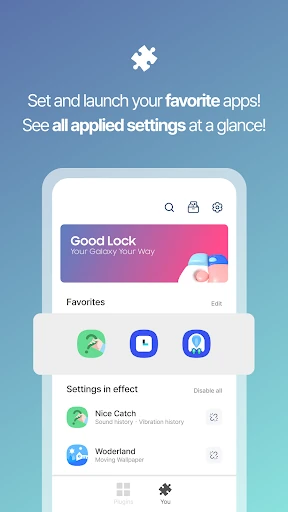
Click to download now, finish the installation quickly, and directly unlock the all-round experience
Good Lock is a Samsung customization app for people who want more control over parts of their phone’s interface and everyday features. Its modules let you adjust areas such as the lock screen, status bar, Quick panel, navigation controls and keyboard. It is most useful if you already like Samsung’s software but want to change how particular pieces look or behave.
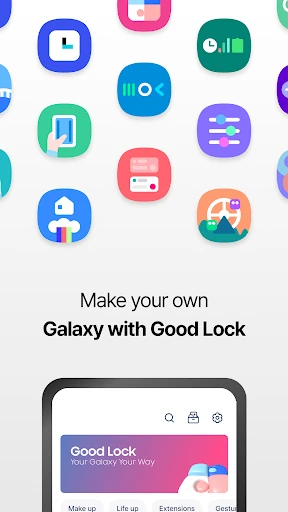
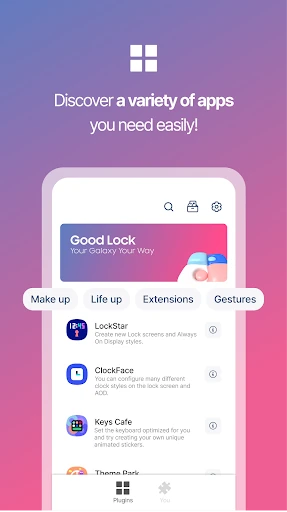
Good Lock brings together separate modules for different jobs. LockStar offers lock-screen layouts, while ClockFace provides clock styles for the lock screen and always-on display. NavStar covers navigation buttons and gestures; QuickStar focuses on the status bar and Quick panel. Other modules add options for the home screen, backgrounds, multitasking, sound and routines.
That modular approach makes the app easier to keep around than a one-off theme: you can use only the tools that address something you want to adjust, and leave the rest alone. The reason to return is practical—when you want to reorganize a familiar control or refresh a screen you see every day.
Good Lock is made by Samsung Electronics Co., Ltd. and is intended for Samsung devices; compatibility can vary by device and software. It is not a general Android customization toolkit, so check that your phone supports the modules you care about before relying on a particular feature.
The listing shows more than 5 million installs and a 3.79 rating from 5,668 reviews. Those figures suggest broad use, but not universal satisfaction. If you are happy with your phone’s default interface, Good Lock may add little. If you regularly wish the lock screen, navigation or Quick panel worked differently, it gives you a set of focused ways to make those changes.