
Advertisement
Click to download now, finish the installation quickly, and directly unlock the all-round experience
Advertisement
Screenshots
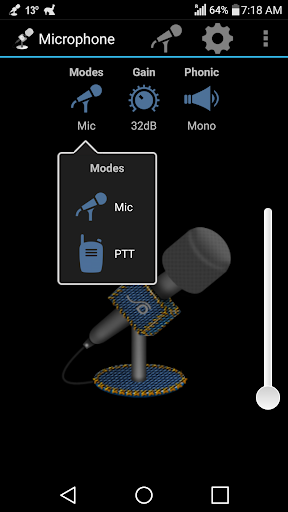
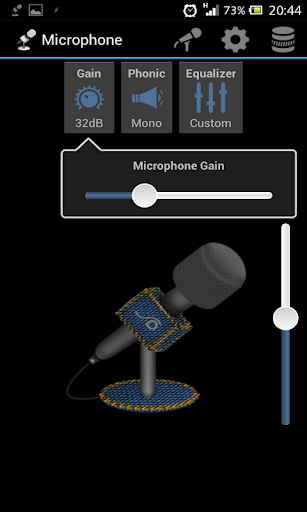
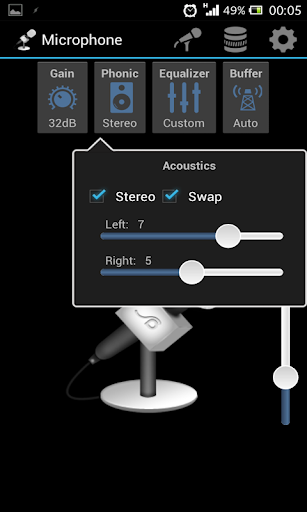
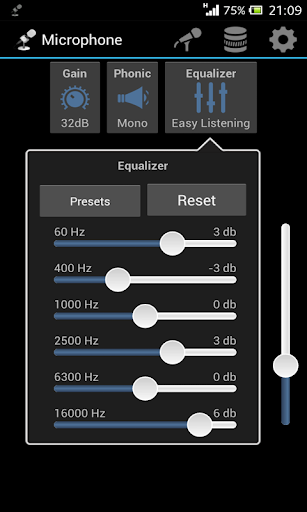
Click to download now, finish the installation quickly, and directly unlock the all-round experience
Microphone is a sound-routing tool for people who want microphone input played through a connected audio output. It includes an amplifier control, making it useful when you want to raise or adjust the level of the routed sound. Its purpose is direct: connect microphone input with an output, then tune the available audio settings.
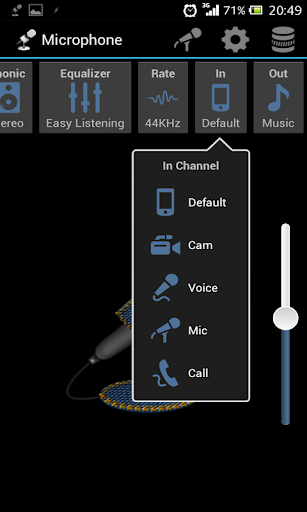
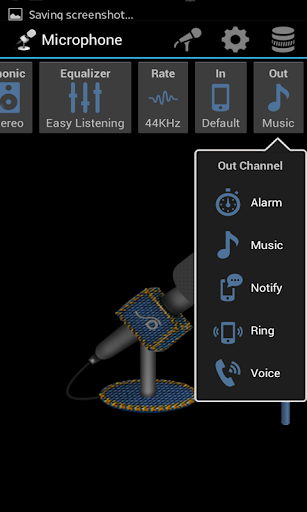
You can choose mono or stereo and adjust the balance of the channels individually. The app also offers equalizer adjustments, line-in and line-out selection, and a choice of sampling rate. These options suit users who need more control over how microphone audio is routed, rather than a single fixed setting.
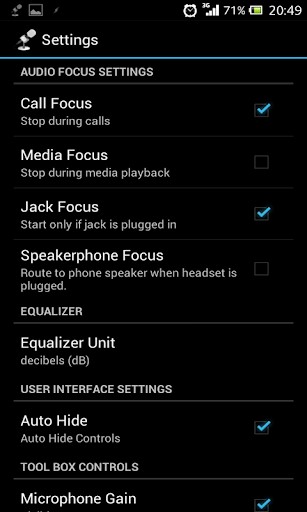
A widget provides access from the home screen; it can be resized and is also available on the lock screen. Microphone supports Locale and Tasker as a plugin, so people who already use either app can include it in their setup. Those controls matter most if routing is something you switch on repeatedly, rather than a one-time experiment.
This is worth keeping if you regularly need to route or amplify microphone sound and value control over channels, equalization, or sampling rate. If you have no use for microphone-to-output routing, its extra settings are unlikely to be a reason to keep it. The app has a 3.6-star rating from 72,301 ratings and more than 10 million installs, and is published by Wonder Grace.